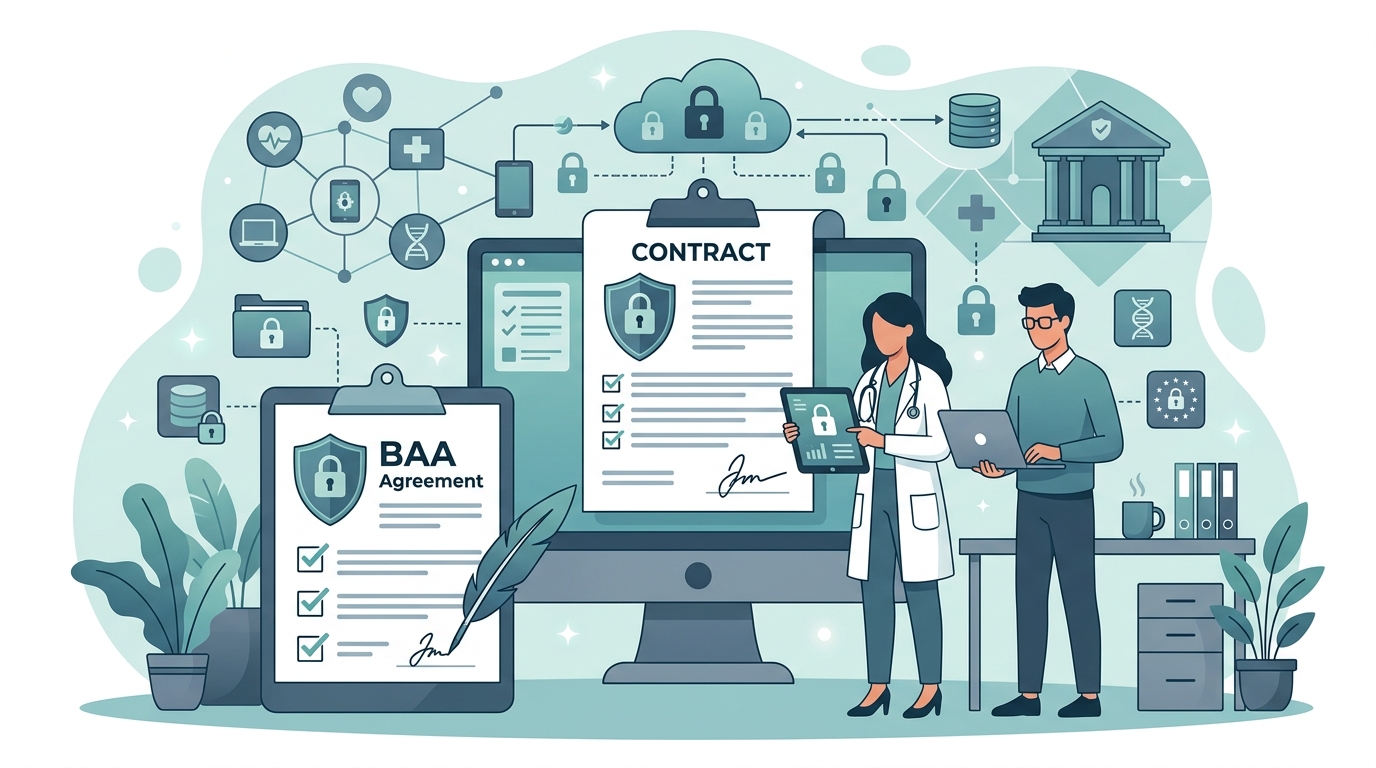
Overview To ensure the security and compliance of your sensitive healthcare data, you may need to requ
Target keywords (5-7)- healthcare
- AI healthcare
- healthcare AI software
- healthcare automation
- practice management AI
Full Article
Security: BAA (Business Associate Agreement) request
Overview
To ensure the security and compliance of your sensitive healthcare data, you may need to request a Business Associate Agreement (BAA) with our healthcare AI SaaS product. This article will guide you through the process of requesting a BAA.
Prerequisites
Before starting, you need to have an active account with our healthcare AI SaaS product and be authorized to request a BAA on behalf of your organization.
Step-by-Step Guide
- Log in to your account and navigate to the Settings page by clicking on the gear icon in the top right corner.
- Scroll down to the Security section and click on the Compliance tab.
- Click the Request BAA button.
- Fill out the BAA Request Form with your organization's information, including name, address, and contact details.
- Review and agree to the terms and conditions by checking the box next to I agree to the terms and conditions.
- Click the blue Submit button in the top right corner to send your BAA request.
Common Issues
If you encounter an error message while submitting your request, check that all required fields are filled out correctly. If you are unable to find the Request BAA button, ensure that you have the necessary permissions to request a BAA. If you have not received a response to your BAA request within 3-5 business days, contact our support team for assistance.Related Articles
Security: Data Encryption Compliance: HIPAA Overview Getting Started: Account Setup and ConfigurationStill Need Help?
If you have any further questions or concerns about requesting a BAA, please don't hesitate to contact our support team by clicking the Help button in the top right corner and selecting Contact Support from the dropdown menu.
[Screenshot: Help button with Contact Support option]
Ready to stop losing patients to voicemail?
See how MedReceptionist handles your call types in a 15-minute demo.
Book Your Demo